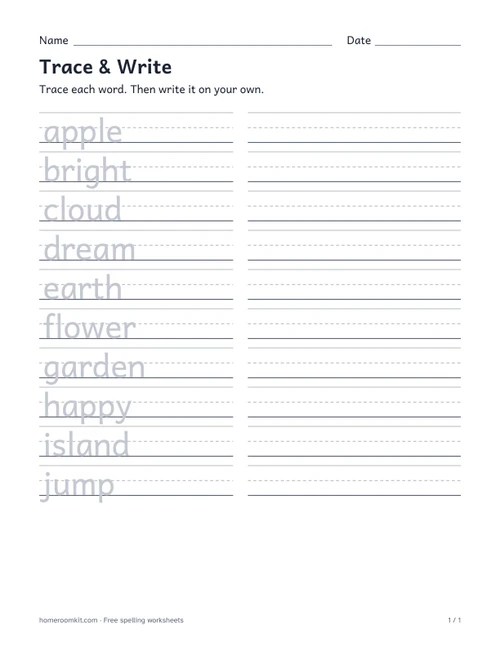
Trace & Write
Trace a word, then write it on your own. Choose K–1, 2–3 or 4–5 to adjust the writing space.
Your words. A ready-to-print worksheet. A little more confidence.
Print at actual size (100%). Choose the matching paper size in your print settings.
Paste your spelling words, choose a grade level and print a Trace & Write worksheet. Letters are lightly shaded for tracing, with a writing space beside each word. Your words stay in your browser.
Choose US Letter or A4. Longer word lists continue onto extra pages, with no words left behind.
Trace a word, then write it on your own. Choose K–1, 2–3 or 4–5 to adjust the writing space.
Paste your words, choose a grade level and paper size, then print your worksheet. The preview updates as you type.
Trace & Write is available now. Students trace a lightly shaded word and write it again in the space beside it.
Yes. Enter one word per line or separate words with commas. Apostrophes and hyphens are supported. Duplicate words are removed, while your spelling and capitalization are kept.
Yes. Choose US Letter or A4 and print at actual size (100%). Word lists continue onto extra pages according to the grade level you choose.
No account is needed. Words are processed in your browser and are not uploaded. No student names are requested.